I Tried To Built Best Online ATS-Friendly Resume Builder Here's My Journey

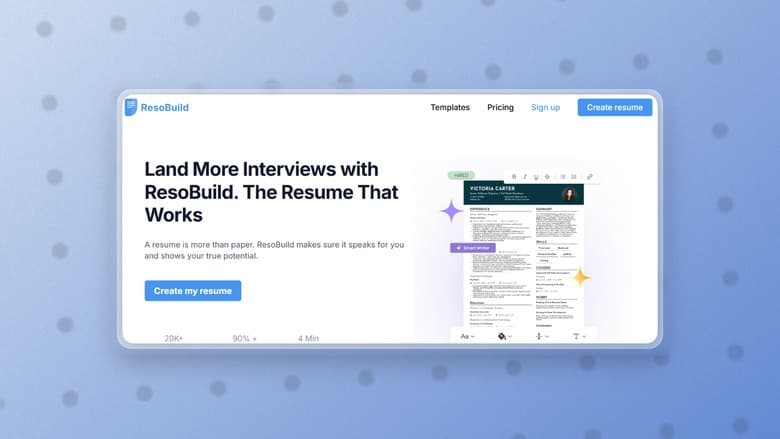
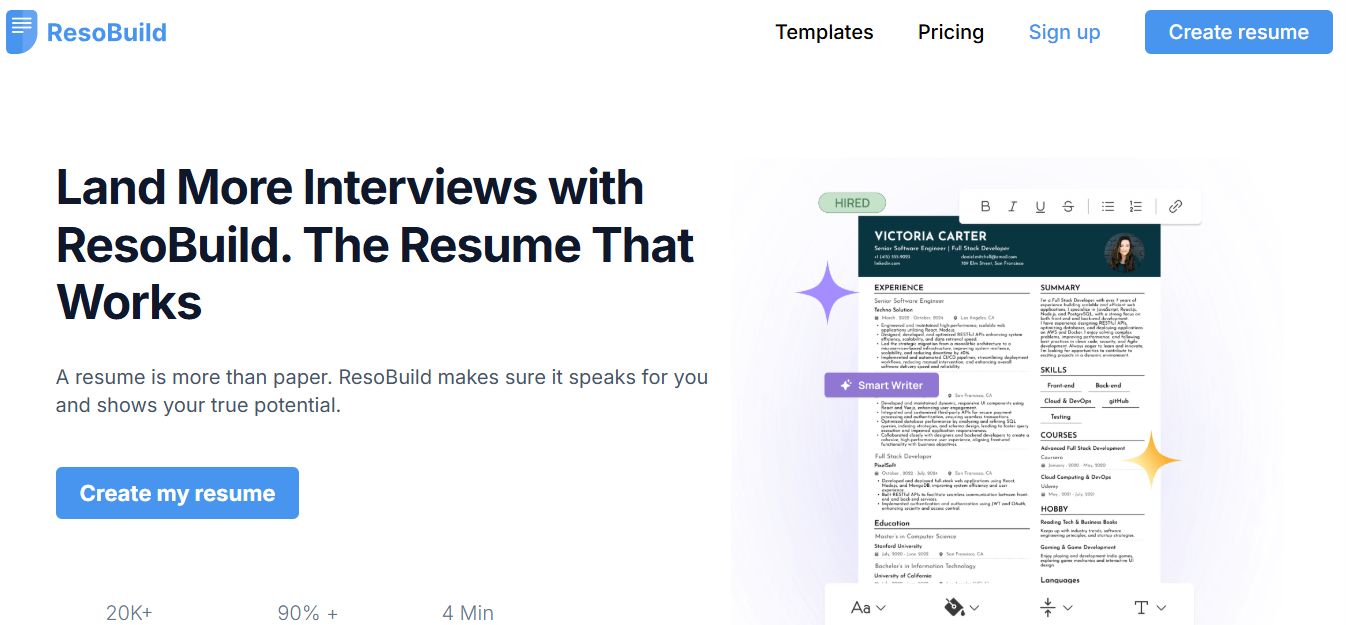
I built ResoBuild, an ATS-friendly resume builder that lets users create professional resumes with customizable templates, font and color options, and an AI resume writer to generate resume content effortlessly.
As a developer, I love building products that solve real problems. Sometimes the best project ideas come from things that people struggle with every day.
One problem I kept noticing was how difficult it is to create a good resume. There are hundreds of resume builders online, but many of them are either too complicated, filled with unnecessary design elements, or produce resumes that don't work well with Applicant Tracking Systems (ATS).
I wanted to build something different.
That idea became ResoBuild, an online resume builder that helps anyone create a clean, professional, and ATS-friendly resume in just a few minutes.
My Main Goal
From the beginning, I had a few simple goals:
Make resume creation easy.
Keep every template ATS-friendly.
Allow users to customize their resume without breaking the layout.
Use AI to help people write better resume content.
Create a clean and simple user experience.
I didn't want another complicated resume builder with dozens of confusing options.
Instead, I focused on simplicity.
Building ATS-Friendly Templates
One of the biggest priorities was making sure every template works well with Applicant Tracking Systems.
Many attractive resume designs actually perform poorly when scanned by ATS software.
So I spent time designing templates that are both modern and recruiter-friendly.
The result is a collection of clean, professional templates that look good while remaining easy for ATS software to read.
[Resume Templates Image]
Giving Users Full Control
Everyone has different preferences.
Some people prefer a classic black-and-white resume.
Others like a little color.
Some like serif fonts, while others prefer modern fonts.
That's why I added customization features that let users personalize their resumes without needing any design skills.
Users can:
Change fonts
Update colors
Rearrange sections
Edit content anytime
Personalize their resume while keeping it professional
I wanted customization to be simple rather than overwhelming.
[Customization Image]
Adding an AI Resume Writer
One feature I was particularly excited about was the AI Resume Writer.
Writing a resume is often more difficult than designing one.
Many people don't know how to describe their work experience or write a strong professional summary.
Instead of staring at a blank page, users can let AI generate a starting point.
It can help write:
Professional summaries
Work experience
Project descriptions
Skills
Career objectives
Achievement statements
Of course, users can edit everything afterward to make it personal.
The goal isn't to replace their story—it's to help them tell it better.
[AI Writer Image]
Keeping the Interface Simple
As I continued building the project, I constantly asked myself one question:
"Can a first-time user figure this out without reading instructions?"
Whenever something felt confusing, I simplified it.
I believe good software shouldn't require a tutorial.
The interface is intentionally clean so users can focus on building their resume instead of learning how to use the tool.
What I Learned While Building It
Every project teaches something new.
Working on ResoBuild reminded me that users care much more about solving their problem than having dozens of flashy features.
A fast, simple experience is usually better than one filled with unnecessary options.
It also pushed me to think more about accessibility, responsive design, performance, and creating a smooth editing experience.
Like every side project, there were bugs, redesigns, and features that had to be rebuilt more than once.
But that's part of building software.
What's Next?
I'm still actively improving ResoBuild.
Some features and improvements I'm thinking about include:
More resume templates
Additional AI writing tools
Better customization options
Cover letter generation
Portfolio support
More export options
I enjoy listening to user feedback because it often leads to the best ideas.
Try ResoBuild
If you're looking for a simple way to create a professional resume, I'd love for you to try it.
You can build an ATS-friendly resume, customize the design, and even use AI to help write your resume content.
You can check it out here: 👇
If you try it, I'd genuinely love to hear your feedback. Every suggestion helps me improve the product, and it's exciting to see people use something I built to help them land their next opportunity.
Thanks for reading, and I'll be sharing more projects and development stories here soon.